

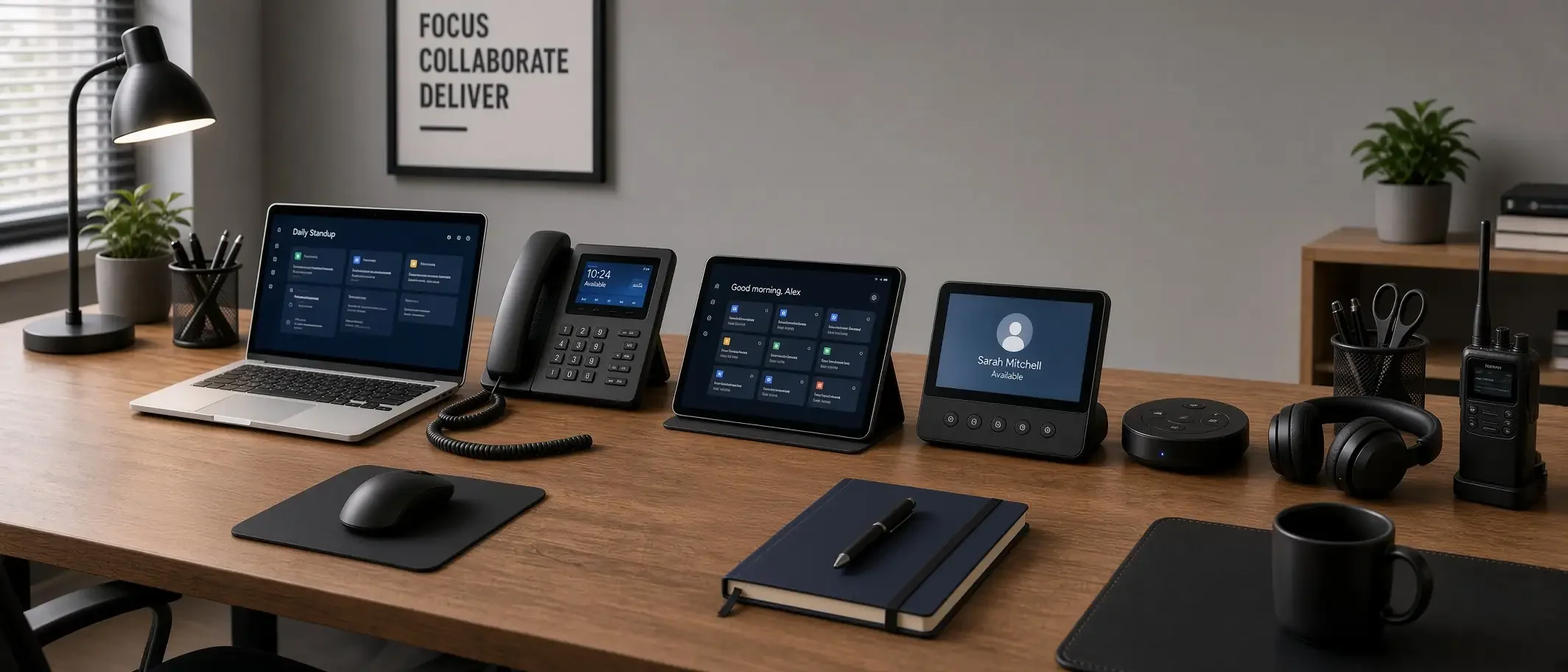
An endpoint is any device that signs into your business. The office desktop counts. So does the laptop in a bag, the phone that approves invoices, and the home computer used after dinner to open a shared file.
If you cannot name those devices, say whether the company manages them, and say when they last patched, the honest answer to the headline is yes — at least some of them are.
What “vulnerable” looks like on a Tuesday
It rarely looks like a movie hack. It looks like a saved password in a personal browser. A phone with company email and no way to wipe it if the phone is lost. A laptop still on an old Windows build because updates were set to “remind me later.” A shared “admin” sign-in that several people know.
Those gaps sit on the same path as payroll, patient or student records, and client files. The rest of the network does not get a vote once that device is trusted.
Four places to look first
Inventory. Export the devices that signed into Microsoft 365 or your main line-of-business app in the last 30 days. Mark which ones the company owns and manages.
Sign-in. Confirm multi-factor authentication is on for email, remote access, banking, payroll, and every admin portal. An authenticator app or a passkey beats a text message.
Patching. Check last-update dates for Windows, macOS, browsers, and the remote-access client. A tool that “detects threats” does not replace a current operating system.
Lost-device plan. If a phone or laptop disappeared this afternoon, who can revoke the account and wipe company data? If the answer is “we would figure it out,” write the steps down this week.
Phones and home machines belong on the same list
Staff work from kitchens and job sites. That is normal. What is not normal is treating those sessions as a different company.
Company email and files on a phone should live in a managed profile you can remove without erasing family photos. A home laptop that reaches clinical, student, or cardholder data needs disk encryption and MFA, the same as the desk in the office.
The console that manages devices is an endpoint too
Intune, other mobile-device tools, and remote monitoring platforms can change every laptop at once. That is the point of the tool. It is also why those admin accounts need the strongest MFA you support, a short list of people who can log in, and a second approval for wipes and enrollment changes.
CISA spent 2026 telling organizations to harden exactly these systems. Treat the management console like a master key, not another dashboard.
Regulated work does not get a separate exemption
HIPAA, CMMC, NIST, and PCI reviews ask the same questions in different language: who can reach the data, from which device, and how is that device kept current? An inventory, MFA evidence, encryption, and patch dates are the answers. Retail POS terminals and classroom laptops need an owner and a patch path even when no auditor is in the building.
What to do this week
• Print or export the 30-day sign-in device list and walk it with one manager.
• Turn MFA on anywhere a password still stands alone.
• Set a weekly exception report for machines that missed patches.
• Name two people who can disable a lost device.